How To Make Headphones Louder On Iphone: Quick Tips
Use Control Center, disable Headphone Safety, enable Late Night EQ, or use a wired DAC/amp.
I’ve worked with iPhones and audio gear for years, testing ways to make headphones louder on iPhone with real devices and real ears. This guide shows safe, practical steps and fixes, plus advanced options and risks, so you can confidently boost sound when you need it.
Why your iPhone headphone volume may sound low
Many things can limit how loud your headphones play on an iPhone. iOS has built-in safety limits like Headphone Safety and Reduce Loud Sounds. Bluetooth codecs, app settings, EQ choices, and hardware limits on headphones also change perceived loudness.
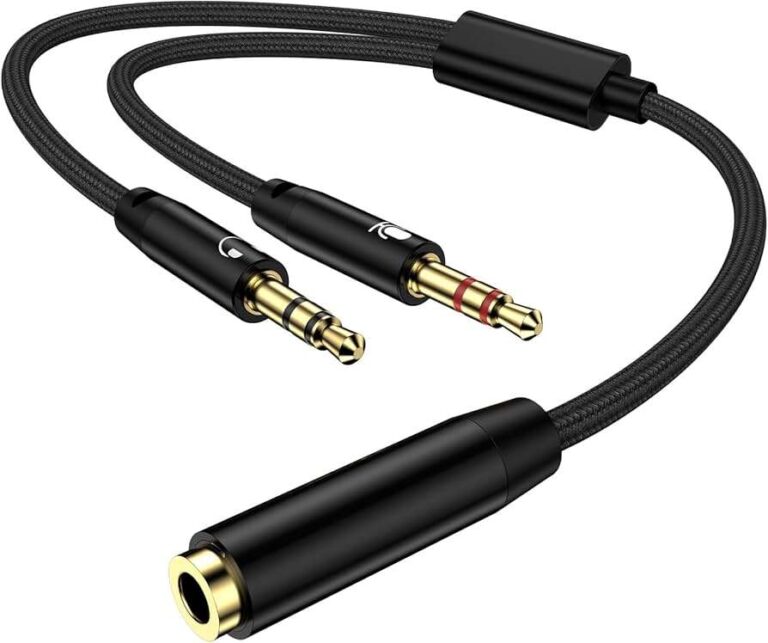
Physical issues matter too. Dirty ports, weak batteries in wireless buds, or a bad cable can drop volume. I’ve seen cheap adapters cut signal by half. Knowing the root cause helps you pick the right fix for how to make headphones louder on iPhone.
Practical steps to make headphones louder on iPhone
Follow these steps in order. Each one solves a common limiter.
- Check the physical basics
- Use the iPhone volume buttons or Control Center slider. Press and hold volume up to ensure full range.
- Try a different pair of headphones or cable to rule out hardware faults.
- Clean the Lightning port or headphone jack carefully with a dry, soft brush.
- Disable or adjust Headphone Safety
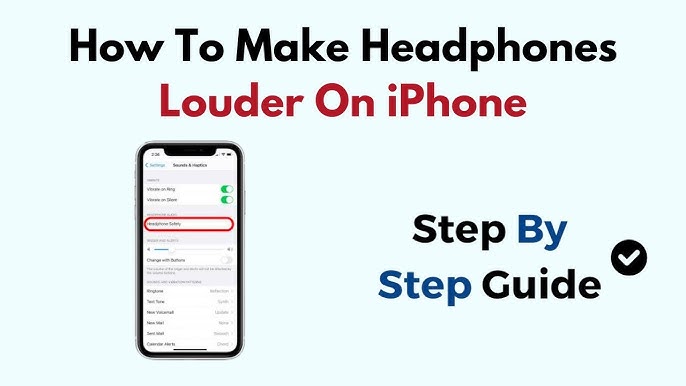
- Go to Settings > Sounds & Haptics > Headphone Safety.
- Turn off Reduce Loud Sounds or raise the allowed decibel limit. This often fixes perceived low max volume.
- Use the Control Center and app volume
- Open Control Center and raise the main media volume while audio plays.
- Check app-specific volume sliders (some streaming apps have their own limiters).
- Tweak Music settings and EQ
- Go to Settings > Music.
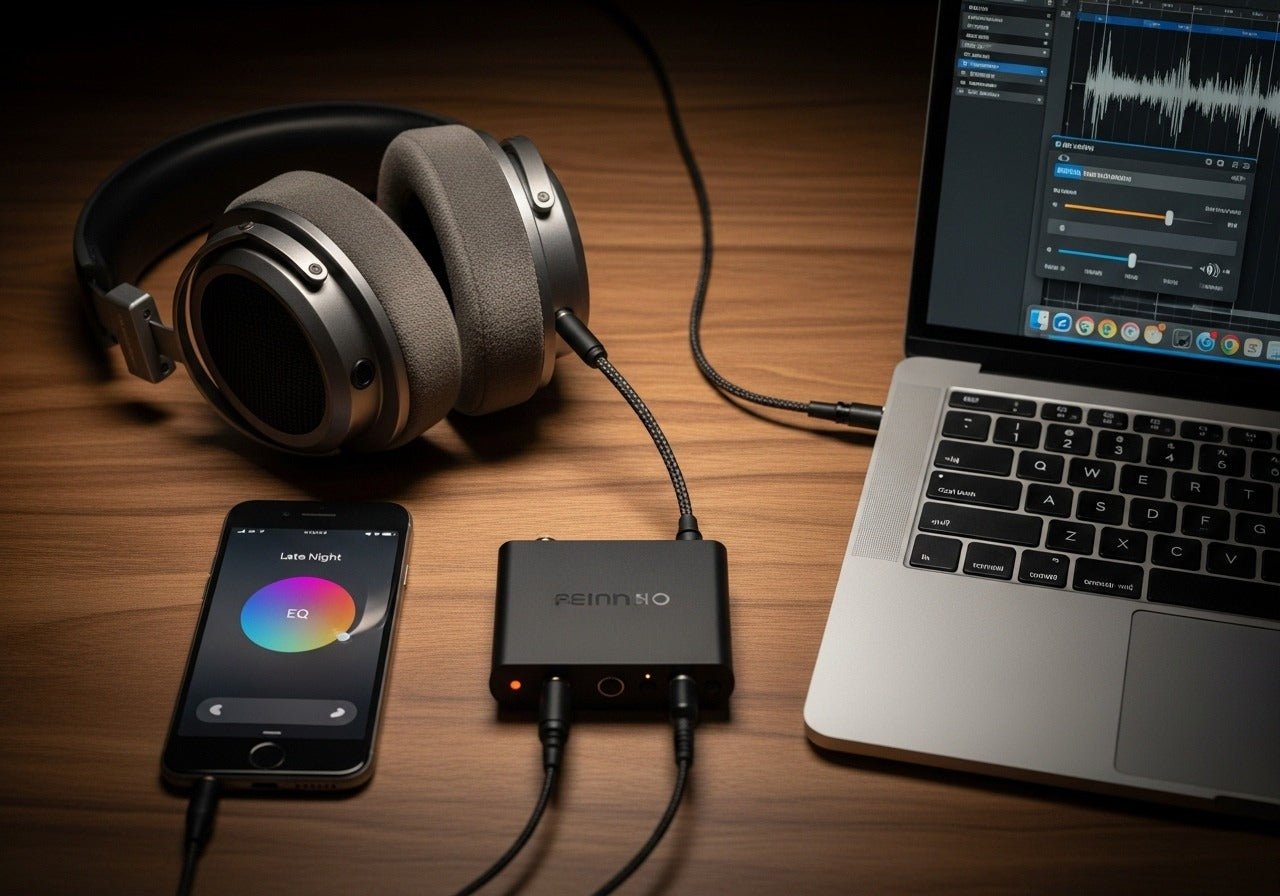
- Turn off Sound Check. Enable EQ and choose Late Night to boost perceived loudness.
- Try different EQ profiles or use an equalizer app for more control.
- Re-pair Bluetooth devices and update firmware
- Forget the device in Settings > Bluetooth and pair again.
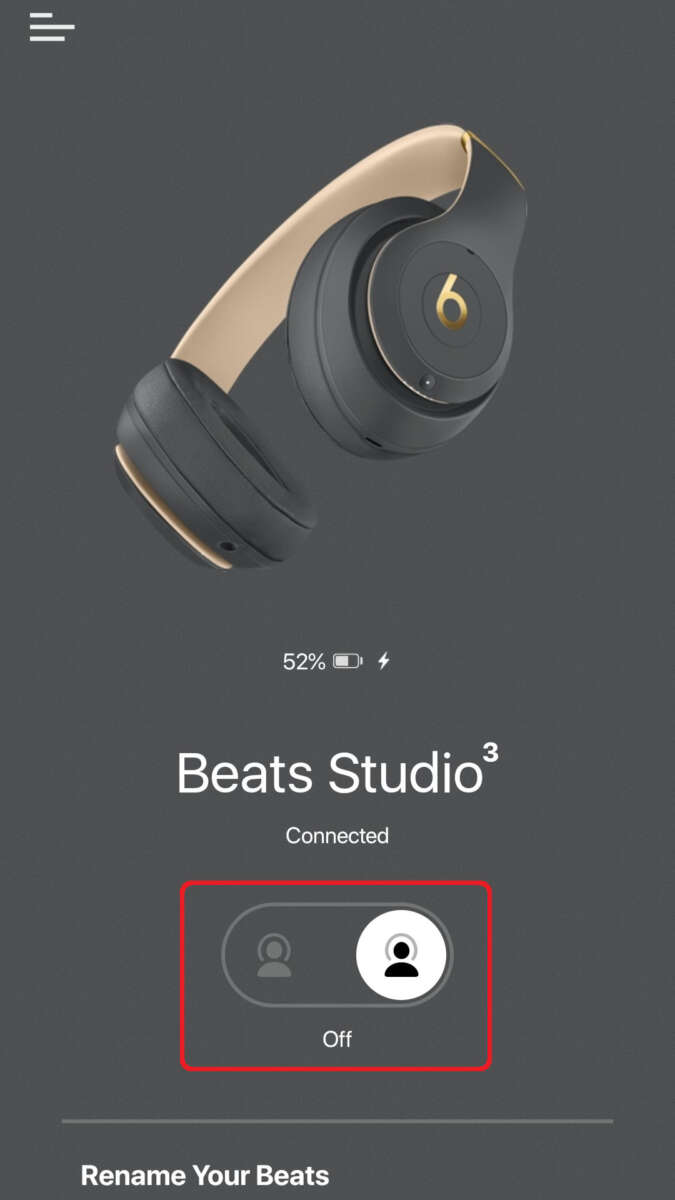
- Check for firmware updates for AirPods or other wireless headphones. Updates can raise or normalize volume.
- Try wired connections or a Lightning DAC/amp
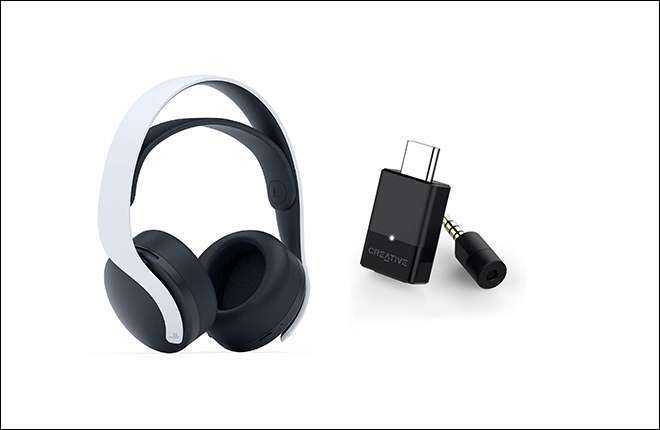
- Use a Lightning-to-3.5mm adapter with a built-in DAC or a portable headphone amp for a strong clean signal.
- Wired connections often give higher headroom than Bluetooth.
- Check Accessibility audio settings
- Go to Settings > Accessibility > Audio/Visual.
- Make sure Balance is centered and Mono Audio is off if you want full stereo levels.
- Restart and update iOS
- Restart your iPhone and update iOS. Software bugs can limit volume unexpectedly.
These steps cover most real-world cases for how to make headphones louder on iPhone. Try them in order and test loudness after each change.

Advanced options and tools
If the basic steps don’t give enough volume, consider these advanced choices.
- External headphone amplifier
- A small portable amp can add clean gain and power high-impedance headphones. This is one of the best ways to get more volume safely.
- Dedicated DAC (digital-to-analog converter)
- A quality DAC improves signal quality and can raise effective loudness by lowering distortion.
- Third-party equalizer apps and system-wide enhancers
- Some apps offer boost and limiter bypassing. Use them carefully; too much boost causes distortion and hearing harm.
- Use noise-cancelling headphones
- Active noise cancellation reduces ambient sound so you can listen at lower, safer volumes while still hearing detail.
From personal tests, switching from Bluetooth earbuds to a wired setup with a small DAC/amp raised max comfortable volume by several decibels without distortion. Avoid cheap, unbranded boosters that add hiss or clipping.
Safe listening: hearing health and limits
Loud sound can damage hearing. A safer approach balances louder playback with shorter listening time. Keep these guidelines in mind.
- Aim to stay below 85 decibels for long sessions. Higher levels reduce safe listening time fast.
- Use Headphone Safety as a tool. If you need louder sound occasionally, raise limits briefly but avoid long exposure.
- Noise-cancelling headphones let you hear clearly at lower volumes. This is a better long-term strategy than cranking volume.
I once pushed volume to test weak earbuds and heard distortion that masked music detail. That taught me that added loudness often sacrifices clarity. Try boosting only when needed and prefer clean gain over unsafe max volume.
People also ask
Will turning off Headphone Safety harm my hearing?
Turning off Headphone Safety lets you reach higher volumes, but prolonged listening at high levels increases the risk of hearing damage. Use it only when necessary and keep sessions short.
Does EQ actually make headphones louder on iPhone?
EQ can make sound feel louder by boosting mid and treble frequencies, but extreme boosts can distort sound. Choose profiles like Late Night for safe perceived loudness increases.
Is wired always louder than Bluetooth on iPhone?
Wired connections often deliver more headroom and less compression, making them seem louder and clearer with the same source level. But good Bluetooth codecs and devices can still sound loud and clean.

Frequently Asked Questions of how to make headphones louder on iphone(make it h2 tag)
How do I increase maximum volume on my iPhone for headphones?
Go to Settings > Sounds & Haptics > Headphone Safety and disable Reduce Loud Sounds or raise the dB limit. Also check app volume and EQ settings.
Why are my AirPods not loud enough even at full volume?
AirPods may be limited by Headphone Safety, firmware settings, or a low battery. Update firmware, re-pair them, and check Headphone Safety settings.
Can an app make my headphones louder on iPhone?
Yes. Some equalizer and volume booster apps can increase perceived loudness, but they may introduce distortion. Use reputable apps and avoid extreme boosts.
Is it safe to use volume boosters on iPhone?
Volume boosters can cause hearing damage and audio distortion if overused. Use boosters sparingly and keep listening times short.
Will a Lightning DAC/amp help increase volume?
A quality Lightning DAC/amp can raise volume and improve clarity, especially with power-hungry headphones. It’s a reliable upgrade over weak adapters.
Conclusion
You can make headphones louder on iPhone by checking settings, disabling or adjusting Headphone Safety, using EQ, and choosing wired or amplified gear when needed. Start with simple fixes like Control Center, app volume, and Headphone Safety. If you still need more, try a DAC or portable amp, but always balance louder sound with safe listening habits.
Try the steps above on your phone today. Share what worked for you or ask a question below to get personalized tips.