How To Get Broken Headphone Jack Out: Quick Fix Guide
Use a small tool and steady hands: gently pull the broken plug out with tweezers or adhesive.
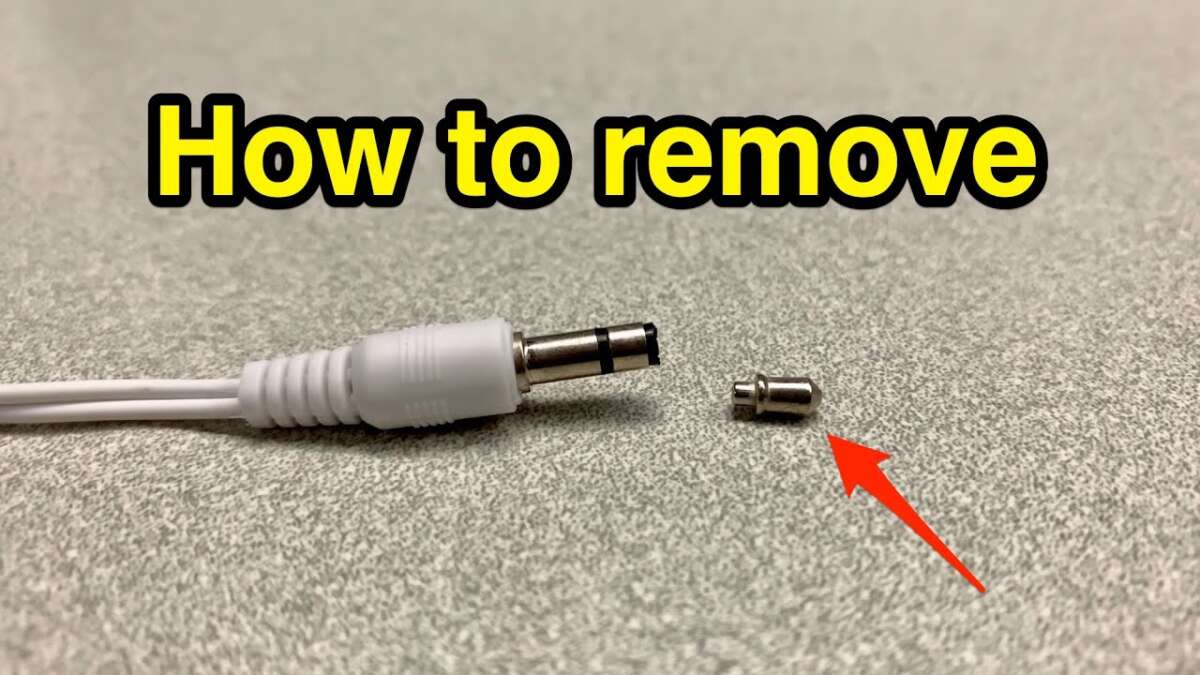
I’ve removed dozens of stuck plugs and fixed phones and players for friends and clients. This guide shows exact, safe steps on how to get broken headphone jack out. I explain tools, clear step-by-step methods, safety tips, when to stop and call a pro, and ways to prevent a repeat. Read on for simple, tested fixes you can try at home.
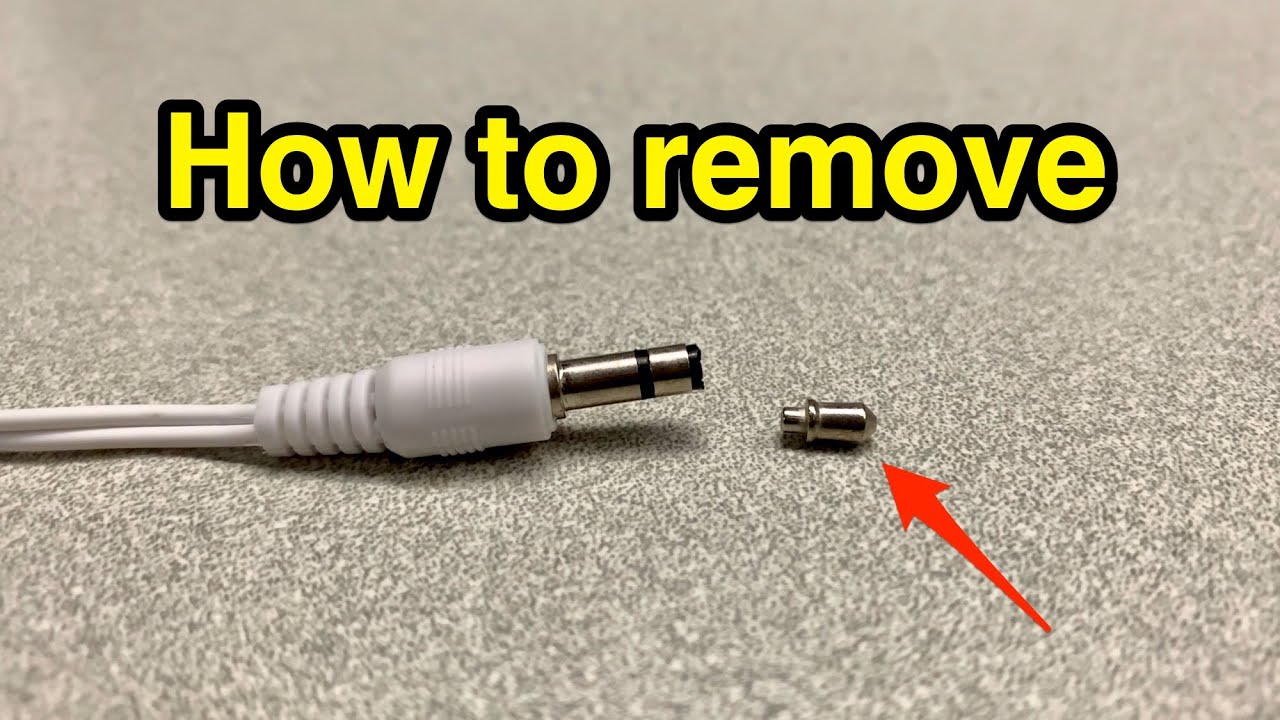
Why headphone plugs break and the risks involved
A plug breaks inside a jack from force, wobbling, or cheap plugs. Dirt, lint, or a bent tip can lock the broken piece in place. Knowing why it happened helps you avoid damage when you try to get the piece out.
Common risks when trying to get broken headphone jack out
- Pushing the piece deeper into the jack.
- Scratching internal contacts.
- Shorting components if the device is powered.
- Voiding warranty by opening the device.
Tools you will need
Gather simple tools. Most fixes use common items. Use small, precise tools for best control.
Essentials
- Sharp tweezers with a thin tip.
- A sewing needle, safety pin, or thin paper clip.
- Superglue and a thin wooden toothpick (use very small amounts).
- Compressed air can and a magnifying glass.
- Small flashlight and a clean workspace.
- Optional: thin jeweler’s screwdriver or phone opening tools.
How these tools help when you try to get broken headphone jack out
- Tweezers grab exposed metal bits.
- Needle or loop can hook the tip.
- Superglue bonds to the broken tip for a gentle pull.
- Compressed air clears lint that hides the plug.

Step-by-step methods to get a broken headphone jack out
Start with the safest, least invasive methods. If one fails, move to the next. Keep the device powered off and work slowly.
Before you start
- Power off the device and remove any case.
- Work under a bright light and use a magnifier if needed.
- Do not force tools or twist wildly.
Method 1 — Blow and inspect
- Use compressed air to clear dust and lint.
- Shine a light into the jack to see the broken tip.
- If you can see the metal and it’s not flush, try tweezers.
This simple step often solves the problem when debris holds the plug.
Method 2 — Fine-tip tweezers
- Grip the exposed end gently with thin tweezers.
- Pull straight out with steady force.
- If it slips, reposition and try again carefully.
Tweezers are lowest risk when part of the plug is visible.
Method 3 — Hook with a needle or paper clip
- Straighten a paper clip and form a tiny hook at the end.
- Insert the hook beside the broken tip, hook the lip, and pull out.
- Use light, steady pulls. Stop if it won’t budge.
This works when a thin gap exists around the broken plug.
Method 4 — Superglue on a toothpick (use caution)
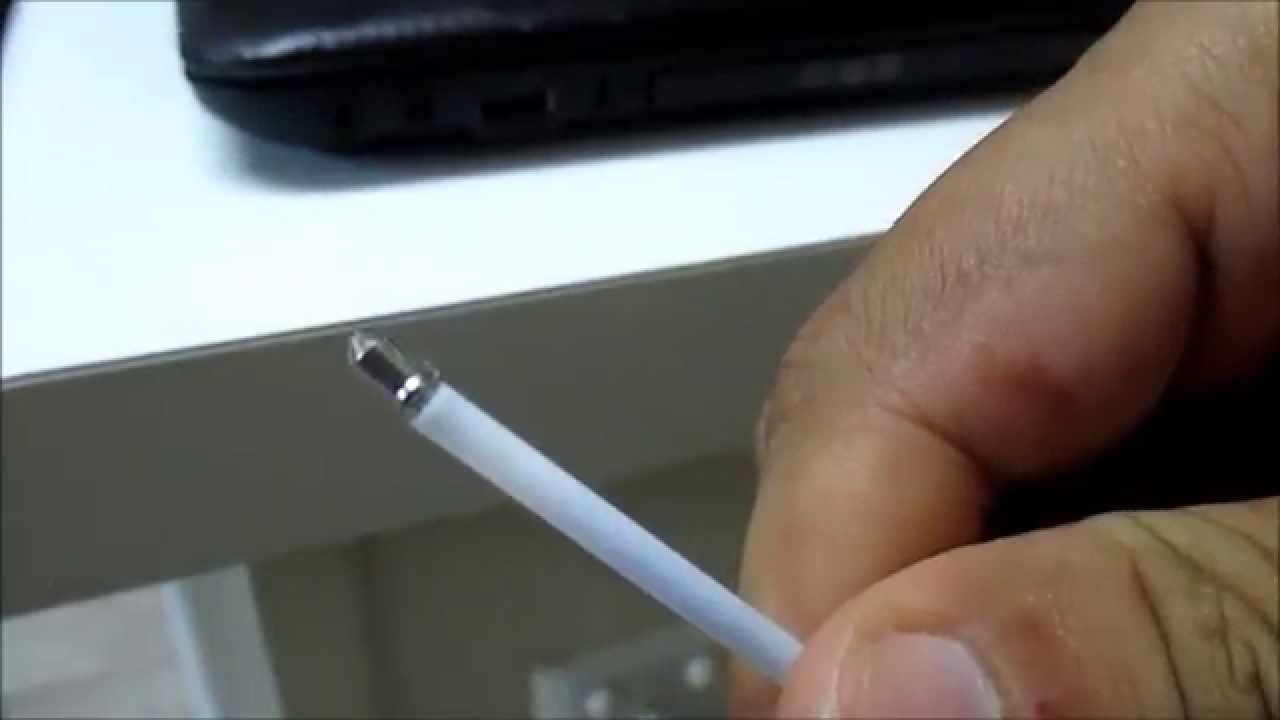
- Dip a toothpick tip in superglue. Remove excess so only a tiny dot remains.
- Touch the glue dot to the broken plug and hold until dry (about 30–60 seconds).
- Pull gently straight out once bonded.
Only use minimal glue. Do not let glue touch the jack walls or contacts.
Method 5 — Double-sided tape or adhesive putty
- Roll a small piece of sticky tack on a thin probe.
- Press into the jack to contact the plug and pull straight out.
This is safer than liquid adhesives for some people.
Method 6 — Partial disassembly
- If the jack is inaccessible, open the device following guides for your model.
- Unplug battery or power to avoid shorts.
- Remove the jack or use internal access to extract the broken plug.
Open the device only if you are comfortable. I’ve removed plugs this way after other methods failed.
Method 7 — Professional tools or service
- If the plug is jammed deep, or you fear damage, stop.
- Take the device to a repair shop with hole-extraction tools or replacement parts.
Professionals can remove the plug and replace the jack when needed.
After removal
- Test audio and mic functions.
- Clean the jack with compressed air.
- Check for loose contacts or damage.

Safety tips and precautions
Safety is key when you try to get broken headphone jack out. Work slowly and use small tools.
Safety checklist
- Power off the device and remove battery if possible.
- Avoid metal tools that can short inner contacts unless you’re careful and the device is off.
- Do not pour liquids into the jack.
- Stop if you feel strong resistance or see internal damage.
From experience, rushing makes things worse. Take breaks if needed.

When to seek professional help and replacement options
Stop and call a pro if:
- The plug is not visible or is deep and stubborn.
- You are not comfortable opening the device.
- Audio or charging issues persist after extraction.
Repair options
- Jack replacement — a shop can replace the jack or board.
- Soldering and board repair for damaged connectors.
- Manufacturer repair if under warranty or repair program.
Cost and time
- Simple extraction may be cheap and fast.
- Jack replacement can cost more, depending on device and labor.

Preventive tips to avoid a repeat
Small habits prevent future breaks and keep jacks healthy.
Prevention tips
- Use cable strain relief or a right-angle adapter to reduce bending.
- Remove headphones by the plug, not the cord.
- Keep pockets lint-free or use a dust plug.
- Replace worn cables before they fail.
I once fixed three phones in a month caused by cheap plugs. After switching to sturdier cables and using dust plugs, I saw zero repeats.
Frequently Asked Questions of how to get broken headphone jack out
How do I remove a broken headphone jack with tweezers?
Power off the device, use a bright light, and grip any exposed metal with thin tweezers. Pull steadily and straight; stop if it won’t move.
Will superglue damage the jack?
Superglue can bond to jack walls and cause damage if overused. Use a tiny dot on a toothpick and ensure no glue touches the jack sides.
Can compressed air dislodge a stuck plug?
Compressed air removes lint and debris that trap plugs. It often helps but won’t free a metal tip stuck by friction or a bent shaft.
Is it safe to open my phone to get the plug out?
Opening is safe only if you have the right tools and skill. Disconnect power first. If unsure, get professional help to avoid voiding warranty or causing damage.
What should I do if the plug is too deep to reach?
Stop and consult a repair shop. They have extraction tools and can replace the jack if needed.
Can I use a magnet to pull out the broken plug?
Most headphone plugs are not strongly magnetic, so magnets usually don’t help. Avoid strong magnets near devices to prevent data or component harm.
Conclusion
You can often get a broken headphone jack out at home with simple tools and care. Start with gentle, noninvasive steps like compressed air and tweezers, then move to safe glue or disassembly only when needed. Know when to stop and call a professional to avoid costly damage. Try the steps above, stay patient, and protect your device with good habits. If this guide helped, try the methods today, share your results, or ask questions below.