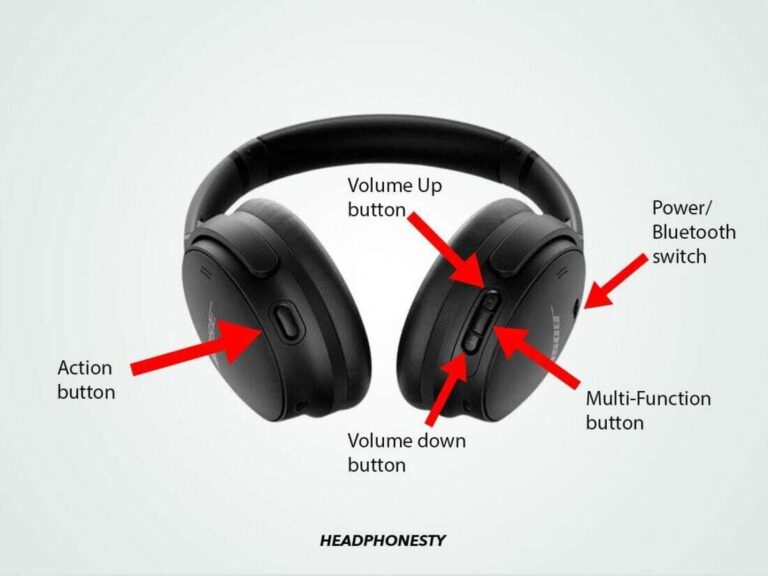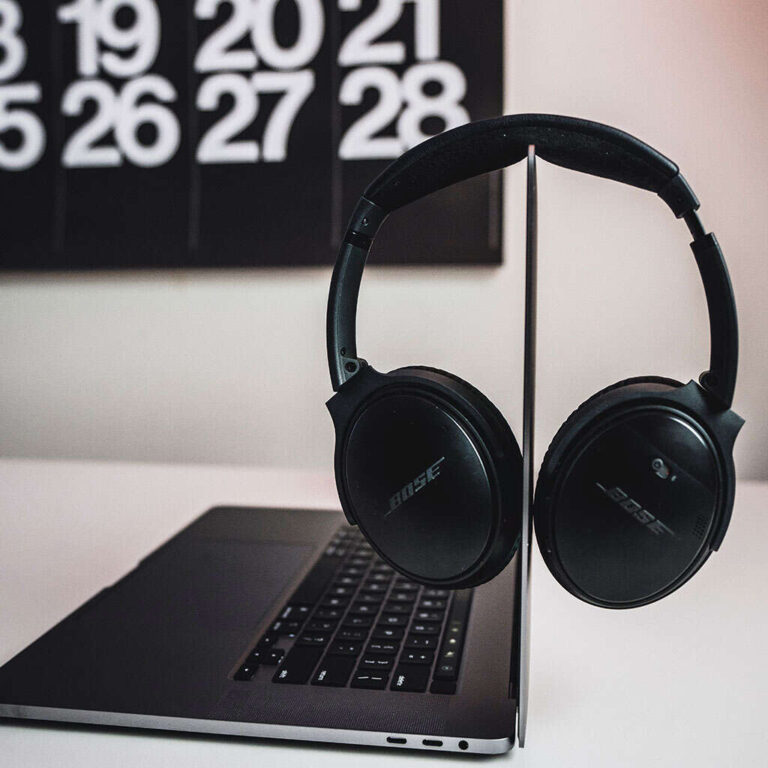

How To Fix Headphones Dent: Quick Repair Tips
Gently push the dent back, use gentle heat if plastic, or replace the damaged part.
I’ve repaired dozens of mangled earcups and bowed headbands. This guide explains how to fix headphones dent with clear steps, safe tools, and real tips from my hands-on experience. I will cover why dents happen, how to assess damage, step-by-step fixes for plastic, metal, and foam parts, prevention tips, and when to call a pro. Read on to learn practical, tested methods so you don’t toss your favorite headphones after a little dent.

Why dents form and what matters when repairing them
Dents form from pressure, drops, heat, or storage in tight spaces. Material matters a lot. Hard plastic will respond to heat and pressure differently than soft foam or metal. Small cosmetic dents often hide no internal damage. Deep dents near joints or drivers can mean audio issues. When you learn how to fix headphones dent, you must first identify material, dent depth, and functional impact.
Common causes
- Direct impact, like dropping or stepping on headphones.
- Compression from a tight bag or suitcase.
- Heat exposure that softens plastic then cools misshapen.
- Manufacturing weak points that yield under stress.
What to check before repair
- Confirm drivers and electronics still work.
- Look for cracks or split seams.
- Note whether cushions are removable or glued.
Knowing these facts helps you decide safe repair steps and prevents accidental damage while fixing the dent.

Tools and materials you’ll need
Keeping tools simple lowers risk. Gather small, low-heat tools and soft protection. These help when you try to fix headphones dent.
Essentials
- Soft cloth or microfiber to protect surfaces.
- A hair dryer or heat gun on low setting for plastic.
- Plastic or nylon spudger for gentle prying.
- Small suction cup for shallow surface dents on smooth plastic.
- Compressed air can for foam or cushion reshaping.
- Isopropyl alcohol and cotton swabs for cleaning before repairs.
Optional items
- Fine-grit sandpaper and plastic polish for cosmetic touch-ups.
- Spare ear cushions or replacement parts for irreparable foam.
- Needle and thread for re-stitching fabric if needed.
Use modest heat and light force. I once wrecked a headset by using too much heat. Learn to be patient.
How to assess the dent: quick checklist
Assessing the dent saves time and prevents mistakes. Follow this checklist before you try to fix headphones dent.
Checklist
- Is sound normal? Play both channels and test bass.
- Can cushions or covers be removed? Removable parts are easier to fix.
- Is the dent surface smooth or cracked? Cracks need different care.
- How deep is the dent? Shallow dents can usually be pushed out.
If the driver or wiring is affected, stop and consider professional repair. Small cosmetic dents are often fixable at home.

Step-by-step fixes for common materials
Here are safe, tested methods to fix headphones dent based on what the dent affects. Read each sub-section and pick the one matching your problem.
Plastic earcups (shallow dents)
- Clean the area with isopropyl alcohol and a soft cloth.
- Apply gentle heat with a hair dryer for 20–30 seconds. Keep it moving.
- Use a small suction cup to pull the dent outward slowly.
- If suction won’t work, press from the inside with a soft tool to reshape.
- Cool the area with room air to set the shape.
Plastic earcups (deep dents or brittle plastic)
- Avoid high heat; it can cause cracks.
- If seams split, use clear plastic adhesive sparingly.
- Consider professional plastic welding for large breaks.
Metal headbands and thin metal shells
- Metal can be bent back slowly by hand if accessible.
- Use padded pliers and protect the finish with cloth.
- For steel or aluminum, small bending in short increments reduces spring loss.
Foam cushions and fabric covers
- Remove the cushion if possible.
- Use compressed air or warm water to reshape foam gently.
- Replace the cushion if foam is torn or permanently compressed.
Glue and trim work
- If glue fails, reattach with a flexible adhesive designed for plastics or fabric.
- Trim frayed fabric edges and tuck them under before gluing.
When electronics are involved
- Do not heat near drivers or wiring.
- If sound is muffled after fixing a dent, open the cup only if comfortable and experienced.
- If unsure, have a technician inspect internal wiring to avoid voiding warranties.
I fixed a dented plastic cup using a hair dryer and a suction cup. It took patience and small heat bursts. Rushing with high heat is a common mistake.

Preventive care and storage tips
Prevention is the best repair. Small habits stop dents from happening again.
Storage tips
- Use a hard case for travel whenever possible.
- Avoid stuffing headphones into tight pouches.
- Store them on a stand or hanger to keep shape.
Daily care
- Remove and store cables gently.
- Keep headphones away from heavy objects.
- Avoid leaving them in hot cars or near radiators.
Maintenance schedule
- Check padding every 3–6 months.
- Replace worn cushions promptly.
Following these tips reduces the chance you'll need to fix headphones dent again.

When to seek professional repair or replace
Some dents are beyond home fixes. Know when to stop and get help.
Signs to seek pro repair
- Cracks near the driver or inside the cup.
- Permanent audio issues after cosmetic fixes.
- Structural bending in the headband that affects fit.
When replacement is smarter
- If repair cost exceeds a replacement.
- When ear cups or drivers are severely damaged.
- If warranty covers replacement — check terms first.
I once delayed professional help and worsened a bent headband. Paying a repair fee early would have saved time and reduced stress. Trust your judgment and budget.
Quick common questions (PAA-style)
What is the safest way to fix a dent in plastic headphones?
- Use low heat from a hair dryer and a suction cup or soft internal pressure to reshape slowly.
Will pushing the dent from inside harm the driver?
- Only do this if you can access the interior safely and avoid contact with the driver membrane.
Can foam cushions be reshaped after being crushed?
- Yes. Remove them and use warm water or compressed air to revive the foam, or replace if torn.
Is it worth repairing headphones with cosmetic dents?
- Often yes, if drivers and fit are fine. Cosmetic repairs are cheaper than replacement.
How long does a home repair usually take?
- Simple repairs take 10–30 minutes. More complex fixes may take an hour or longer.

Frequently Asked Questions of how to fix headphones dent
How can I tell if a dent has damaged the driver?
If sound is distorted, muffled, or one side is quieter, the driver may be damaged. Visual cracks near the driver are another sign. Test audio before cosmetic tweaks.
Can I use boiling water to reshape headphone plastic?
Boiling water is risky and can warp sensitive parts. Use a hair dryer on low heat instead for safer, controlled warming.
Are suction cups safe for all headphone surfaces?
Suction cups work best on smooth, glossy plastic. They are less effective on textured or matte surfaces and may leave marks on thin plastic if overused.
What glue is best for reattaching trims or seams?
Use a flexible adhesive made for plastics or fabric. Apply sparingly and clamp gently until set. Avoid solvent-based glues that can melt some plastics.
How do I fix dents on metal headbands without weakening them?
Bend slowly in small increments using padded pliers and protect the finish. If the metal fatigues, a pro can re-tension or replace the band.
Conclusion
Fixing a dent is often faster and cheaper than replacing headphones. Start by assessing material and function, gather simple tools, and follow the appropriate method for plastic, metal, or foam. Be gentle with heat and pressure, and choose professional help for internal or structural damage. Try the steps listed here, learn from small repairs, and protect your headphones with a hard case to avoid future dents. Share your repair story, subscribe for more repair guides, or leave a comment with questions.