How To Charge Bose Headphones: Fast Guide & Tips
Use the supplied USB cable or charging case; plug into a powered USB port until the LED indicates full charge.
I’ve spent years testing audio gear and repairing headphones, so I’ll walk you through exactly how to charge Bose headphones the right way. This guide covers basic steps, model-specific instructions, troubleshooting, battery care, and practical tips I’ve learned from real use. Read on to get reliable, actionable advice so your Bose headphones stay ready when you need them.
Charging basics: what you need to know about how to charge Bose headphones
Charging Bose headphones is simple, but a few rules keep batteries healthy and dependable. Most Bose headphones charge with a USB-A to USB-C cable or micro-USB cable, and some models use a proprietary charging case for earbuds. Always use the cable that came with your device or a certified replacement to avoid slow charging or battery damage.
Typical steps for how to charge Bose headphones:
- Connect the supplied cable to the headphones’ charging port.
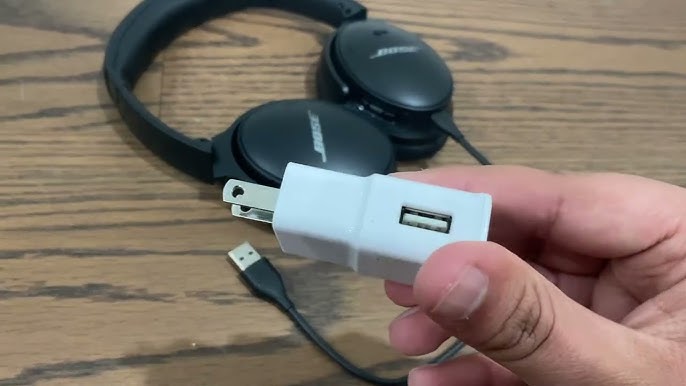
- Plug the other end into a powered USB port, wall adapter, or laptop.
- Watch the LED indicator to confirm charging and full battery.
Charging indicators and times vary by model. Some headphones show a single light for charging and a different color or sequence when full. If you use a wall adapter, choose one that outputs 5V and 1–2A for safe, reliable charging.

Model-specific charging (step-by-step)
Different Bose models have slight variations. Below are clear steps for popular Bose headphones so you know exactly how to charge Bose headphones for your specific device.
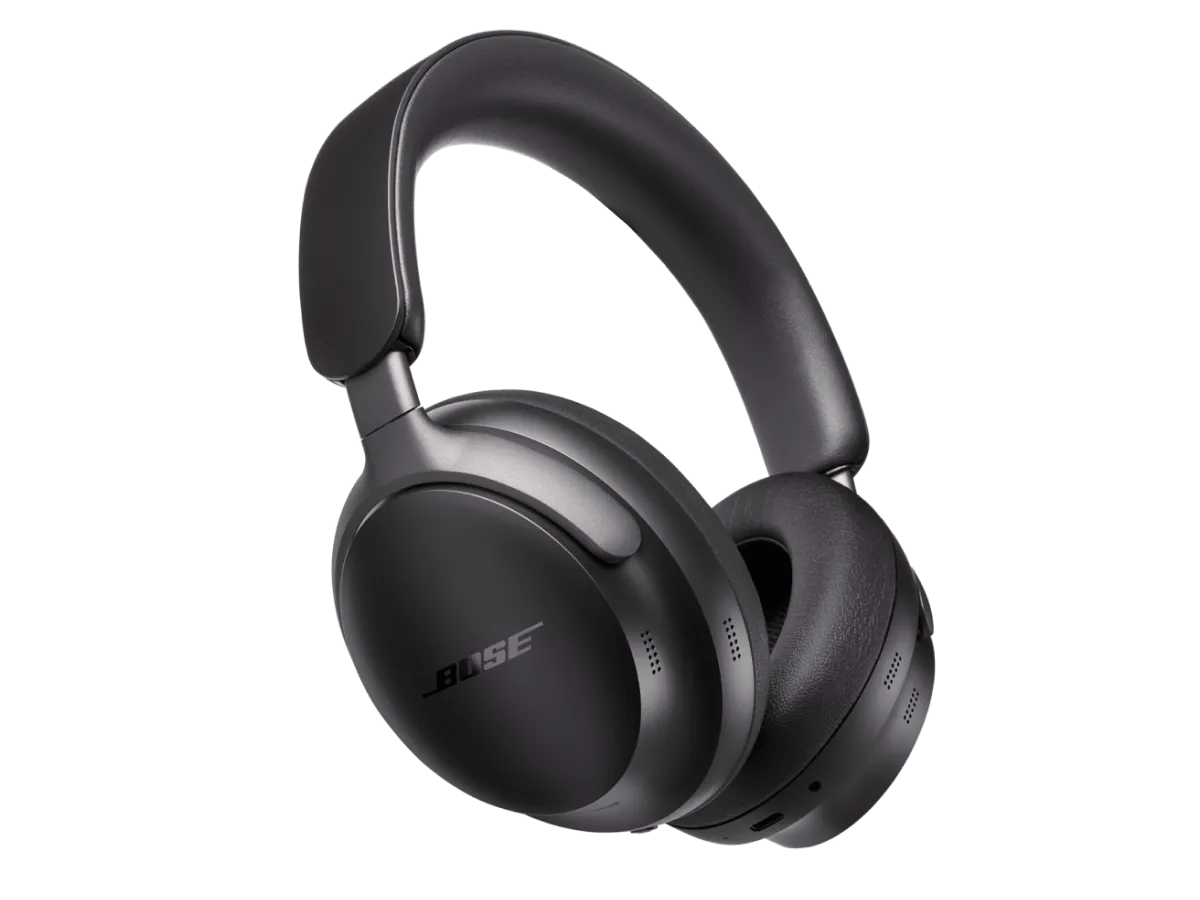
Bose QuietComfort (QC) headphones:
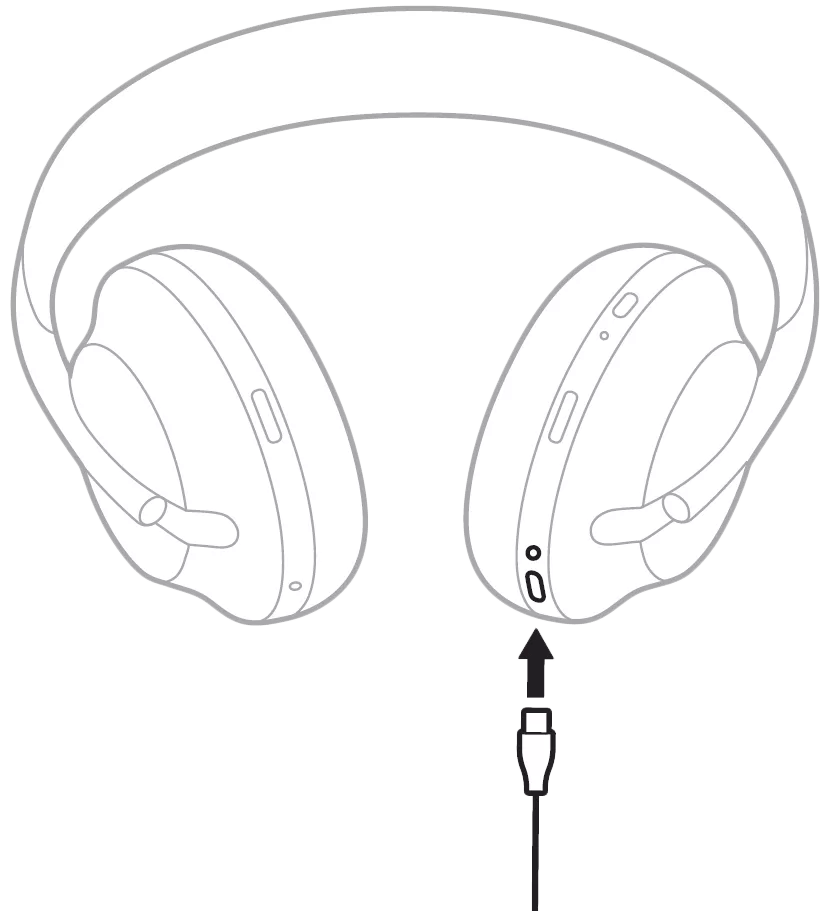
- Use the included USB-C cable at the bottom of the earcup.
- Plug into a 5V USB port or wall adapter.
- LED near the port shows amber while charging and green when full.
- Typical charge time: about 2–3 hours.
Bose Noise Cancelling Headphones 700:
- Connect the USB-C cable to the right earcup.
- Use a standard USB power source. Fast chargers usually don't speed things much.
- LED near the USB port indicates status.
- Typical charge time: roughly 2 hours.
Bose QuietComfort Earbuds and QuietComfort Earbuds II:
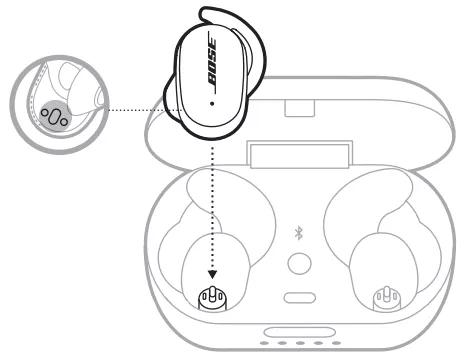
- Place earbuds in the charging case with the lid closed.
- Connect the case to power using USB-C or use wireless charging if supported.
- Case LEDs show charging progress; earbuds charge from the case automatically.
- Full cycle for case and earbuds: 1.5–3 hours depending on model.
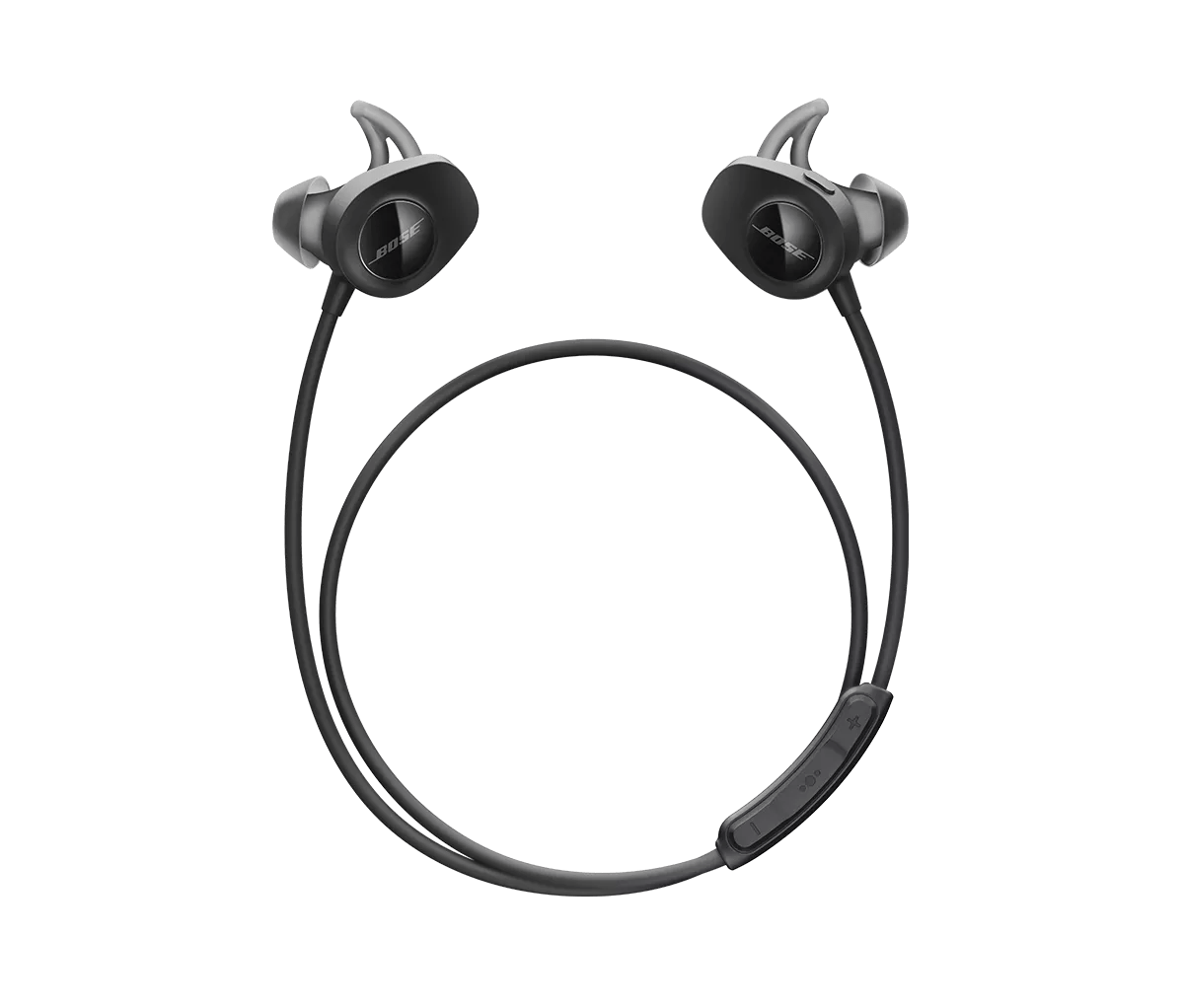
Bose SoundLink wireless on-ear or in-ear:
- Use micro-USB or USB-C cable depending on the model.
- Plug into a wall adapter or computer USB port.
- LED color and behavior indicate charging states.
Bose Sport Earbuds:
- Insert earbuds into the case properly, then charge the case.
- Case charges via USB-C; some models support wireless charging.
- Charge times vary but expect about 2 hours for a full case charge.
Common charging problems and fixes
When things go wrong, a few quick checks usually fix most issues. Here’s how to troubleshoot when learning how to charge Bose headphones.
Headphones won’t charge:
- Check the cable and adapter for damage; swap with a known-good cable.
- Clean the port and connectors gently with a dry brush or compressed air.
- Try a different power source (wall adapter vs computer USB).
LED not lighting or blinking strangely:
- Refer to the model manual for LED codes; many blinks can signal firmware or battery faults.
- Reset the headphones (hold power and Bluetooth buttons together for 10 seconds on many models) and try again.
Charge is slow or battery drains fast:
- Use a higher-current adapter (up to 2A) for faster charging, but avoid high-voltage chargers.
- Update firmware; outdated firmware can cause poor battery management.
- If battery life suddenly drops, battery health may be degraded and require service.
If hardware damage is suspected, contact Bose support for repair or replacement options rather than continuing to force-charge.
Battery care and maintenance for longer life
Good charging habits extend battery life. Follow these practical tips to keep your headphones healthy and reliable.
Best practices:
- Avoid full 0% to 100% cycles regularly; aim to recharge around 20–30% and unplug near 80–90% when convenient.
- Keep firmware up to date for better battery management and charging logic.
- Store headphones in a cool, dry place; extreme heat shortens battery life.
- Use the original charging cable or certified replacements.
What to avoid:
- Do not leave headphones plugged in for weeks at a time; occasional long charges are okay but avoid constant trickle-charge.
- Avoid cheap, unbranded charging adapters that may deliver unstable current.
- Don’t expose batteries to water or high humidity while charging.

Tips, myths, and best practices I’ve learned
Here are useful tips and myths I regularly debunk when people ask how to charge Bose headphones.
- Myth: Fast chargers will always harm the battery. Reality: Using a proper 5V/1–2A charger is safe; avoid high-voltage adapters unless the manufacturer explicitly supports them.
- Tip: Carry the charging cable in your case so you never forget it. Many cases have a small slot for the cable.
- Tip: For earbuds, keep a spare fully charged case if you travel often. Charging cases are the easiest way to extend use on the go.
- Tip: If you plan to store headphones long-term, leave them at about 50% charge rather than full or empty.
Personal experience: mistakes I made and lessons learned
I once left a pair of headphones plugged into a laptop overnight every night for months. Over time, the battery capacity diminished noticeably. After a firmware update and switching to a daily partial charge routine, battery life stabilized and lasted much longer.
Here’s what I learned:
- Regular full overnight charging isn’t needed and can stress lithium-ion cells.
- Using the correct cable solved many charging reliability issues I had.
- Resetting and updating firmware fixed mysterious charging behavior without a service visit.
These small changes helped keep my Bose headphones working well for years.
PAA-style questions (quick answers users ask)
How long does it take to charge Bose headphones?
- Most Bose over-ear models take 2–3 hours for a full charge; earbuds and cases vary from 1.5–3 hours.
Can I use any USB charger to charge Bose headphones?
- Use a standard 5V USB charger with 1–2A output for safe charging. Avoid high-voltage or low-quality adapters.
Will charging overnight damage Bose headphones?
- Occasional overnight charging is fine, but repeated long trickle-charging can slowly reduce battery capacity over time.
How can I tell when my Bose headphones are fully charged?
- Check the LED indicator; green or solid light often means full. Refer to your model’s manual for exact LED meanings.
Why is my Bose headphone battery draining so fast after charging?
- Causes include firmware issues, background features (ANC, Bluetooth), old battery degradation, or faulty charging accessories.
Frequently Asked Questions of how to charge bose headphones
How do I charge Bose headphones if the cable is lost?
Use a certified USB-C or micro-USB cable that matches your model. For earbuds, you’ll need a compatible charging case or OEM replacement cable.
Can I charge Bose headphones with a phone charger?
Yes, a standard 5V phone charger with 1–2A output works fine. Avoid chargers that output higher voltages than the device supports.
Do Bose earbuds charge while in the case?
Yes. Place earbuds properly in the charging case and close the lid; the case will charge the earbuds automatically when the case has power.
What does the blinking LED mean while charging?
Blinking LEDs usually indicate charging progress or errors depending on the model. Check your manual for exact blink codes and try resetting if it’s an error.
Is wireless charging available for Bose headphones?
Some Bose earbud cases support wireless charging; over-ear headphones typically require a cable. Check your model’s specs to confirm wireless charging support.
Conclusion
You now have a clear, practical roadmap for how to charge Bose headphones across popular models, how to troubleshoot common problems, and how to care for batteries long term. Apply these simple habits — use the right cable, update firmware, and avoid extreme storage conditions — and your Bose headphones will stay reliable for years. Try one new tip today: carry a spare certified cable in your case and see how much smoother charging becomes. If you found this helpful, leave a comment or subscribe for more hands-on audio tips and guides.