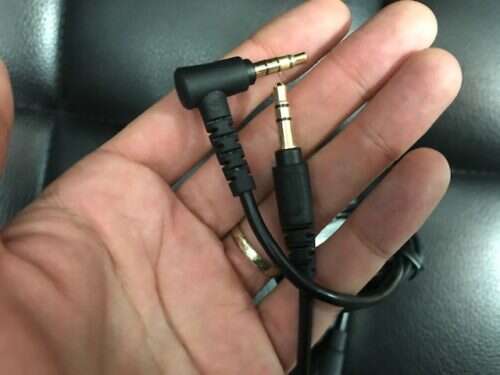
How To Fix Crooked Headphone Jack: Quick DIY Fixes
Fix a crooked headphone jack by realigning, cleaning, or replacing the jack with simple tools.
I’ve worked on dozens of audio devices and repaired many headphone jacks. This guide on how to fix crooked headphone jack walks you through clear diagnosis, step-by-step fixes, tools, and safety tips. You will learn when a quick realign or cleaning will do, when to replace the jack, and when to get professional help. Read on for practical tips, checks, and my hands-on experience so you can fix your jack safely and confidently.
How to diagnose a crooked headphone jack and what it means
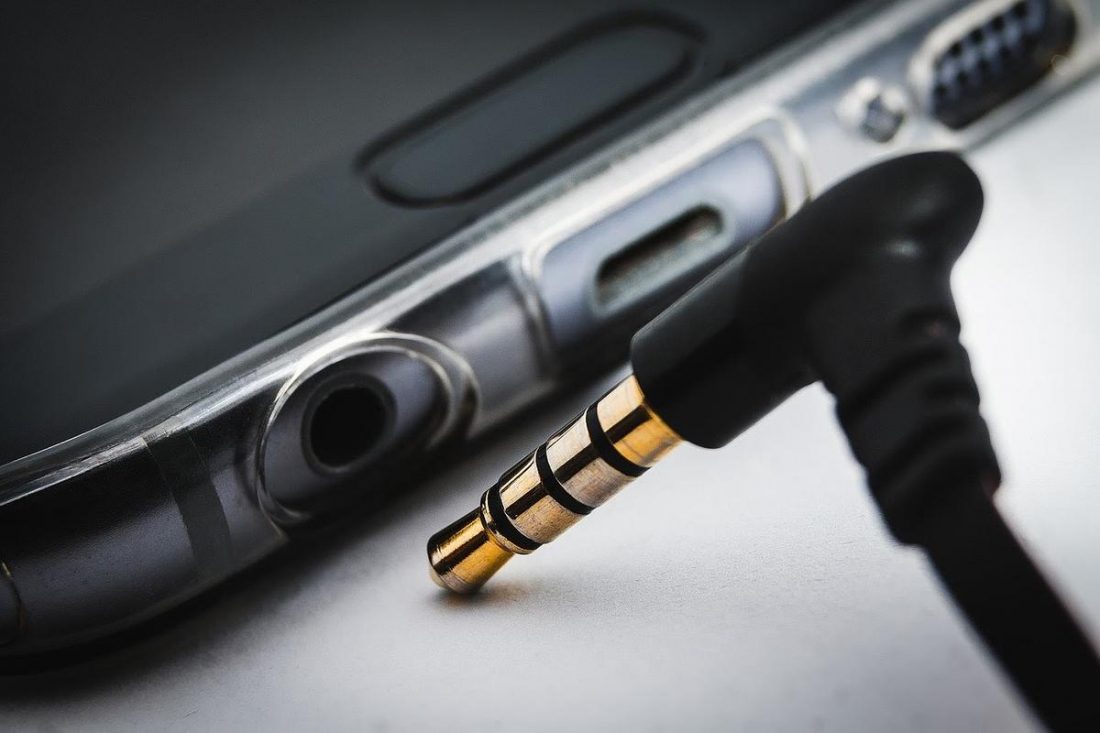
A crooked headphone jack is often obvious. The plug sits at an angle, audio cuts in and out, or sound comes from one side only. Physical wobble, bent metal, or loose fit are common signs. Diagnosing early helps avoid further damage to the internal socket or the connected device.
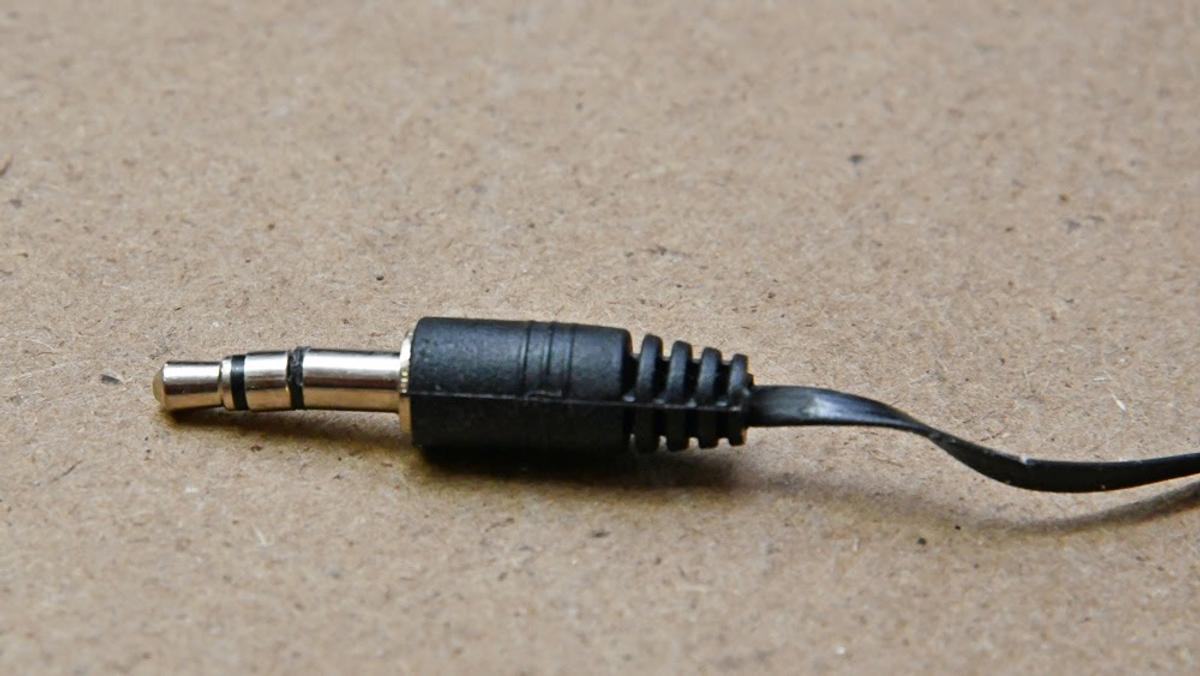
Common causes of a crooked headphone jack
Understanding why the jack bent helps prevent repeats. Common causes include:
- Physical impact or dropping the device.
- Repeated plugging and unplugging at an angle.
- Cheap or worn internal mounting hardware.
- Dirt or debris forcing the plug off-axis.
- Manufacturing defects or design flaws.
Each cause guides the fix. For example, dirt needs cleaning. A bent mounting bracket needs replacement. Knowing the cause saves time and money.

Tools and parts you’ll need
Gathering the right items makes the repair smoother. Typical tools include:
- Small Phillips and flathead screwdrivers.
- Precision tweezers.
- Soldering iron and solder (for soldered jacks).
- Replacement 3.5mm jack or PCB-mounted jack when needed.
- Isopropyl alcohol, cotton swabs, and compressed air.
- Small flashlight or magnifier.
If you are not comfortable soldering, a replacement jack and a professional tech are often the safer route.
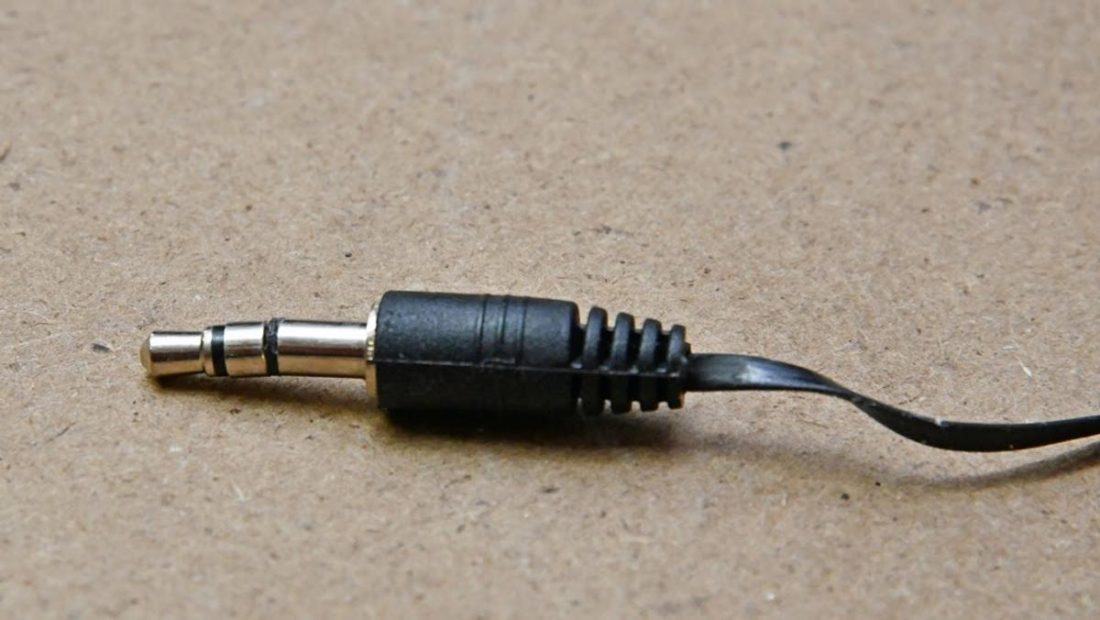
Step-by-step fixes for how to fix crooked headphone jack
Below are safe, ordered methods from simplest to more advanced. Try each in order until the problem is solved.
- Visual inspection and restart
- Turn off the device and remove power.
- Use a flashlight to check the jack for visible bend, dirt, or a loose faceplate.
- Restarting the device can rule out software audio issues.
- Clean the jack
- Power off the device.
- Blow out dust with compressed air.
- Dip a cotton swab in isopropyl alcohol, squeeze lightly, and gently clean the inside.
- Let dry fully before testing.
- Realign the external socket
- For loose external faceplates, gently pry the trim away with a flathead or plastic tool.
- Tighten any visible mounting screws.
- If the socket is slightly angled but not internally damaged, press gently to realign the metal barrel. Test audio frequently.
- Fix minor internal misalignment
- Open the device using safe teardown steps for that model.
- Locate the jack mounting points. Some jacks have mounting tabs or nuts.
- Tighten loose screws or re-seat the jack in its bracket.
- Reassemble and test.
- Replace the jack (for resilient repair)
- Remove power and open the device.
- Desolder the old jack from the PCB or unscrew it if it is modular.
- Fit the replacement jack, solder clean joints, and check mechanical alignment.
- Reassemble and test audio and physical fit.
- When the socket or PCB is bent
- If the PCB is warped, you may need a board-level repair from a pro.
- Attempting to bend a board back can cause more damage.
- Contact a repair shop if you see cracks, lifted traces, or severe warping.
I’ve replaced worn jacks on three phones and a portable amp. The cleaning step fixed two of them. On one phone, I tightened a loose mounting screw and avoided a full replacement.

Safety, tips, and mistakes to avoid
Keep safety simple and strict. Follow these points:
- Always power off and remove batteries if possible.
- Work in a well-lit, static-free area.
- Avoid forcing parts; gentle is better.
- If soldering, use proper ventilation and eye protection.
- Don’t use metallic picks inside a powered jack; you can short the board.
Common mistakes:
- Over-tightening screws and cracking plastic.
- Rushing the clean step and leaving residue.
- Ignoring loose cables; sometimes the cable, not the jack, causes the issue.
When to replace the jack or seek professional repair
Decide based on damage and your skill level. Replace or seek pro help if:
- The jack is physically bent and cannot realign.
- The PCB or traces are damaged.
- Solder pads are lifted or cracked.
- You lack soldering experience and the jack is soldered to the board.
Professional repair may cost less than replacing an expensive device. For low-cost gear, replacing the device can sometimes be more economical.

Prevention and maintenance tips
Prevent future crooked jack problems with small habits:
- Pull plugs straight out; avoid twisting.
- Use a short extension cable to reduce wear on the device jack.
- Keep the jack covered when not in use.
- Clean the jack every few months with compressed air.
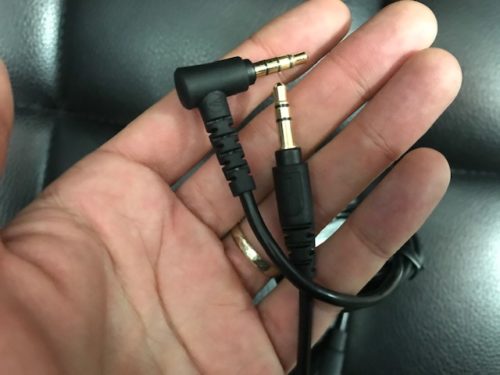
- Use right-angle plugs if your device sits in a pocket.
After fixing a jack once, I began using a cheap extension cable. This extended the device jack life by months.
Related concepts and alternatives
If fixing the jack is not ideal, consider these options:
- Bluetooth adapters to bypass the jack entirely.
- External USB or Lightning audio dongles.
- Professional motherboard-level repair for luxury devices.
- Temporary adapters that provide a snug fit if the jack is loose.
Knowing these options helps you choose between a quick fix, a replacement part, or a long-term upgrade.

Quick user questions (PAA-style)
How quickly can I fix a crooked headphone jack?
Minor cleans and realignments can take 10–30 minutes. Replacing a jack takes 30–90 minutes depending on soldering skill.
Will cleaning the jack fix audio dropout?
Often yes. Dust and grime cause poor contact and one-sided audio. Cleaning is the safest first step.
Is soldering required to fix every crooked jack?
No. Many devices use modular jacks that unscrew. Soldering is needed when the jack is soldered to the PCB.
Frequently Asked Questions of how to fix crooked headphone jack
What is the first thing I should try for a crooked headphone jack?
Start by powering off the device and cleaning the jack with compressed air and a cotton swab lightly dampened with isopropyl alcohol. This often restores good contact without opening the device.
Can I bend the jack back into place myself?
If the damage is only external and minor, you can gently realign it. Do not force or bend internal metal parts. Stop if you feel resistance.
How do I know if the jack needs replacement?
Replace the jack if it wobbles after tightening, if audio still cuts out after cleaning, or if the internal mounts are broken. Visible damage to the metal barrel also means replacement.
Will replacing the jack fix audio balance and connection issues?
Yes. A properly installed new jack usually resolves channel imbalance and intermittent connections. Make sure solder joints and mechanical mounts are secure.
Is it safer to use a Bluetooth adapter instead of fixing the jack?
A Bluetooth adapter is safe and quick, especially for non-repairable or costly devices. It avoids opening the device and can be a long-term solution.
Conclusion
You can fix many crooked headphone jack problems with calm inspection, cleaning, or a targeted part swap. Start with the least invasive steps and move to replacements only when needed. Use the tips here to decide what to try at home and when to seek a pro. Try the cleaning and realignment steps first, then consider a replacement jack or professional service if issues persist. If this guide helped, try the steps and share your results or ask a question below to get more tailored advice.