How To Turn Off Bose Headphones: Quick Step-By-Step Guide
Slide the power switch or press and hold the power button to turn them off — or place earbuds in their case.
I’ve used many Bose models for work and travel, and I’ll show clear, tested steps for how to turn off bose headphones no matter the model you own. This guide covers over-ear models, earbuds, troubleshooting tips, battery-saving moves, and real-world tips from my own experience so you can power down quickly and confidently.
Common ways to turn off Bose headphones
Most Bose headphones use one of three simple methods to power down. The exact step depends on the model. Read the short method for your style and try it once or twice to get comfortable.
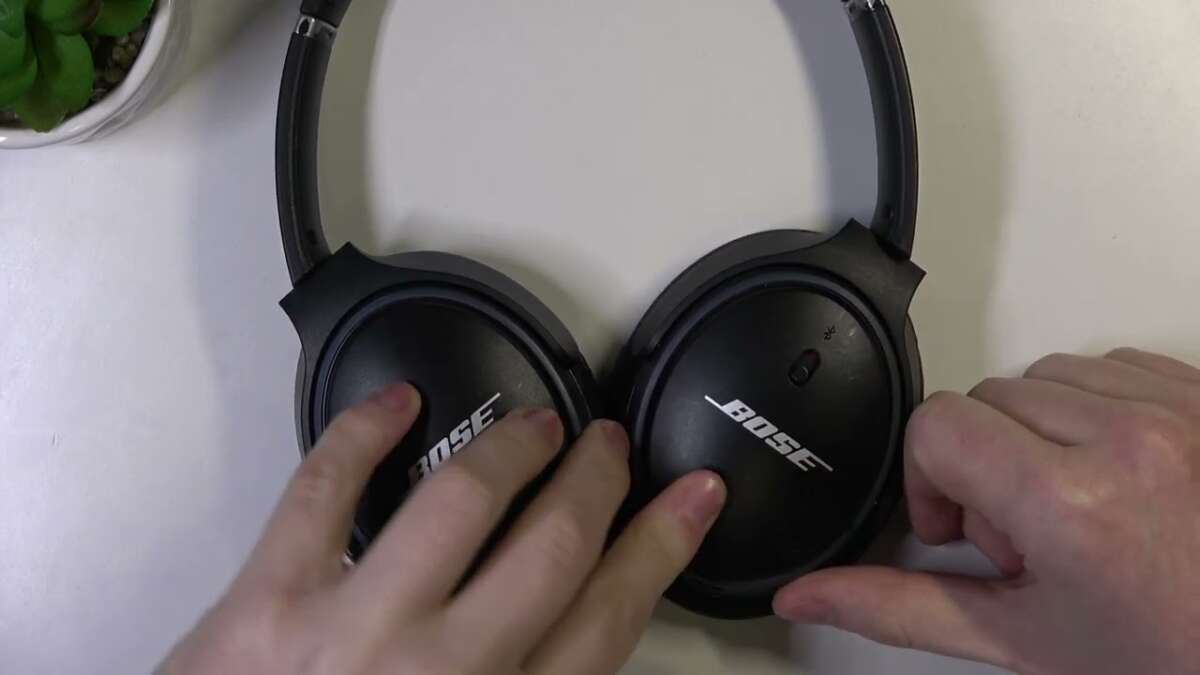
- Slide the power switch
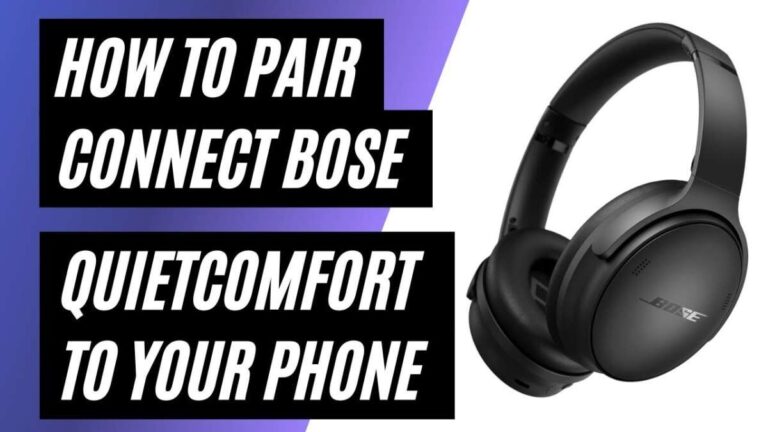
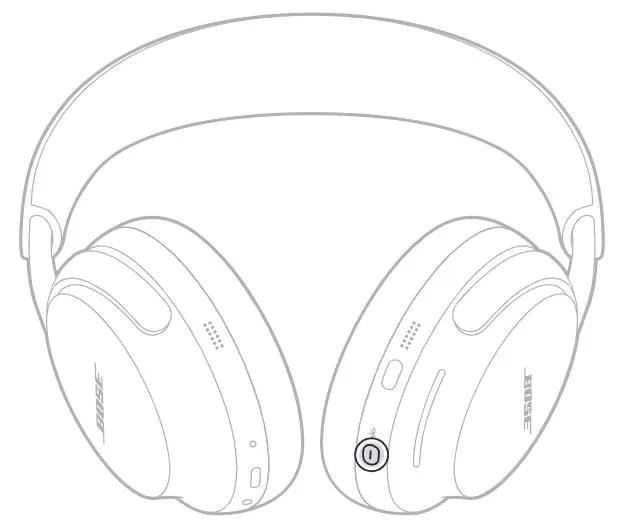
Most over-ear Bose headphones like QuietComfort series use a slide switch. Move it to the Off position until you hear a tone or see no lights. - Press and hold the power button
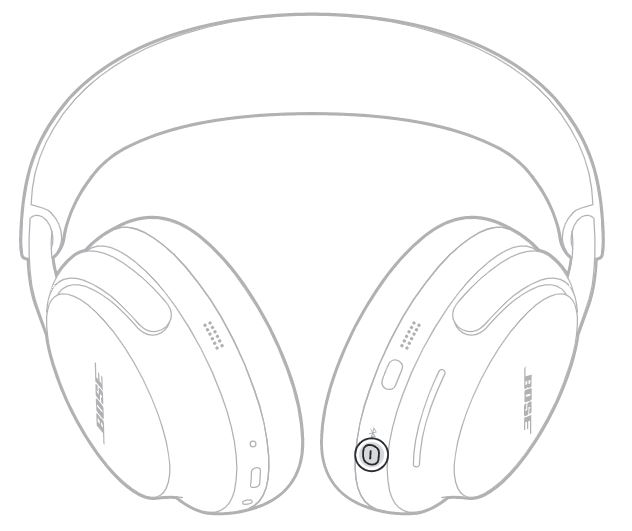
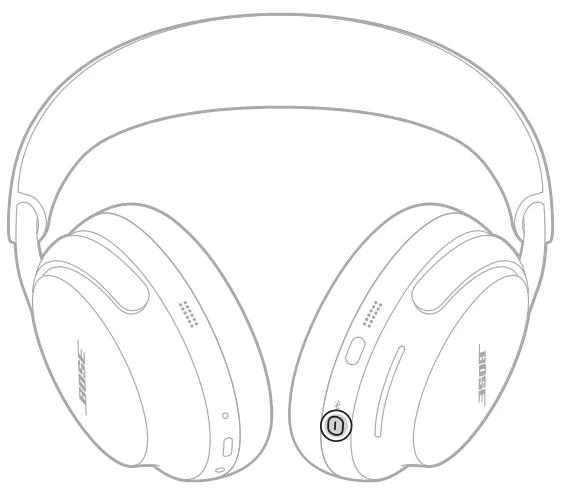
Some Bose models use a recessed or side button. Press and hold for 2–5 seconds to power off. - Return earbuds to the case
True wireless Bose earbuds usually power off automatically when placed in the charging case and the lid is closed.
How to turn off bose headphones — step-by-step for popular models
Below are short, model-focused steps. If your model is not listed, match it to the most similar one.
Bose QuietComfort 35 / QC35 II
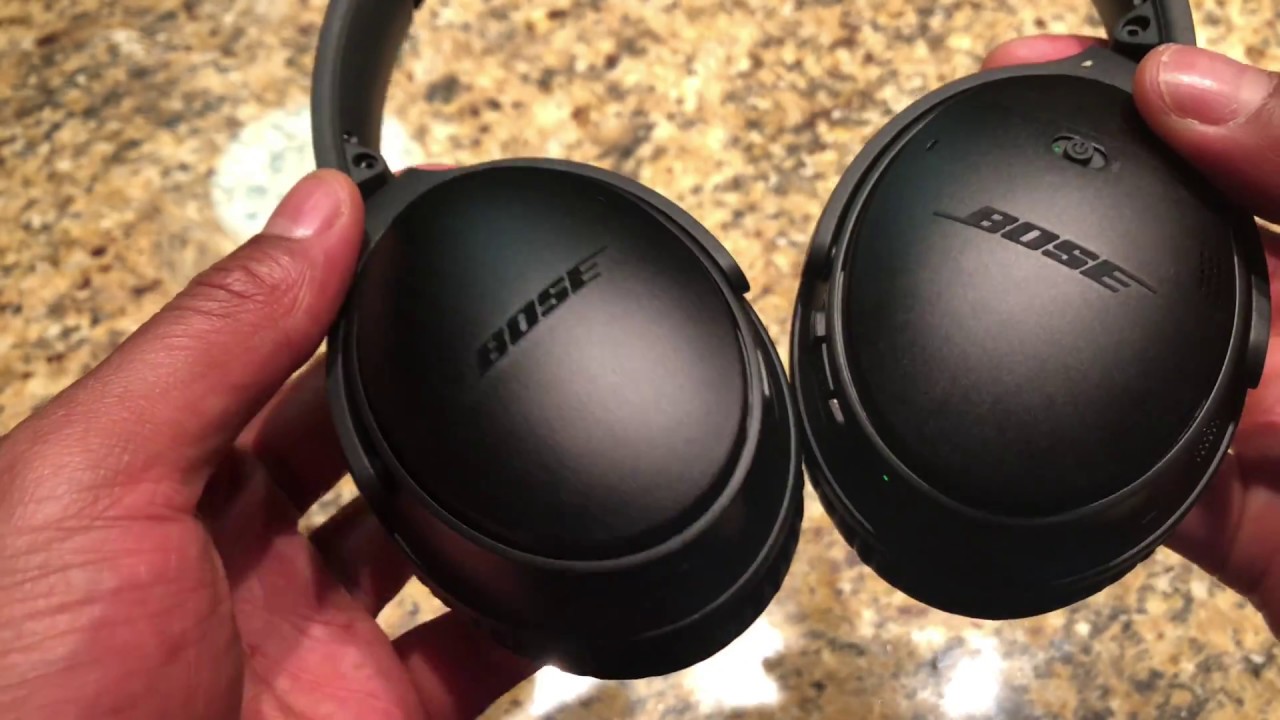
- Slide the on/off switch back to Off. Wait for the power tone and lights to go out.
Bose QuietComfort 45 / QC45
- Slide and hold the power/Bluetooth switch to Off for one second. Confirm with a tone.
Bose Noise Cancelling Headphones 700
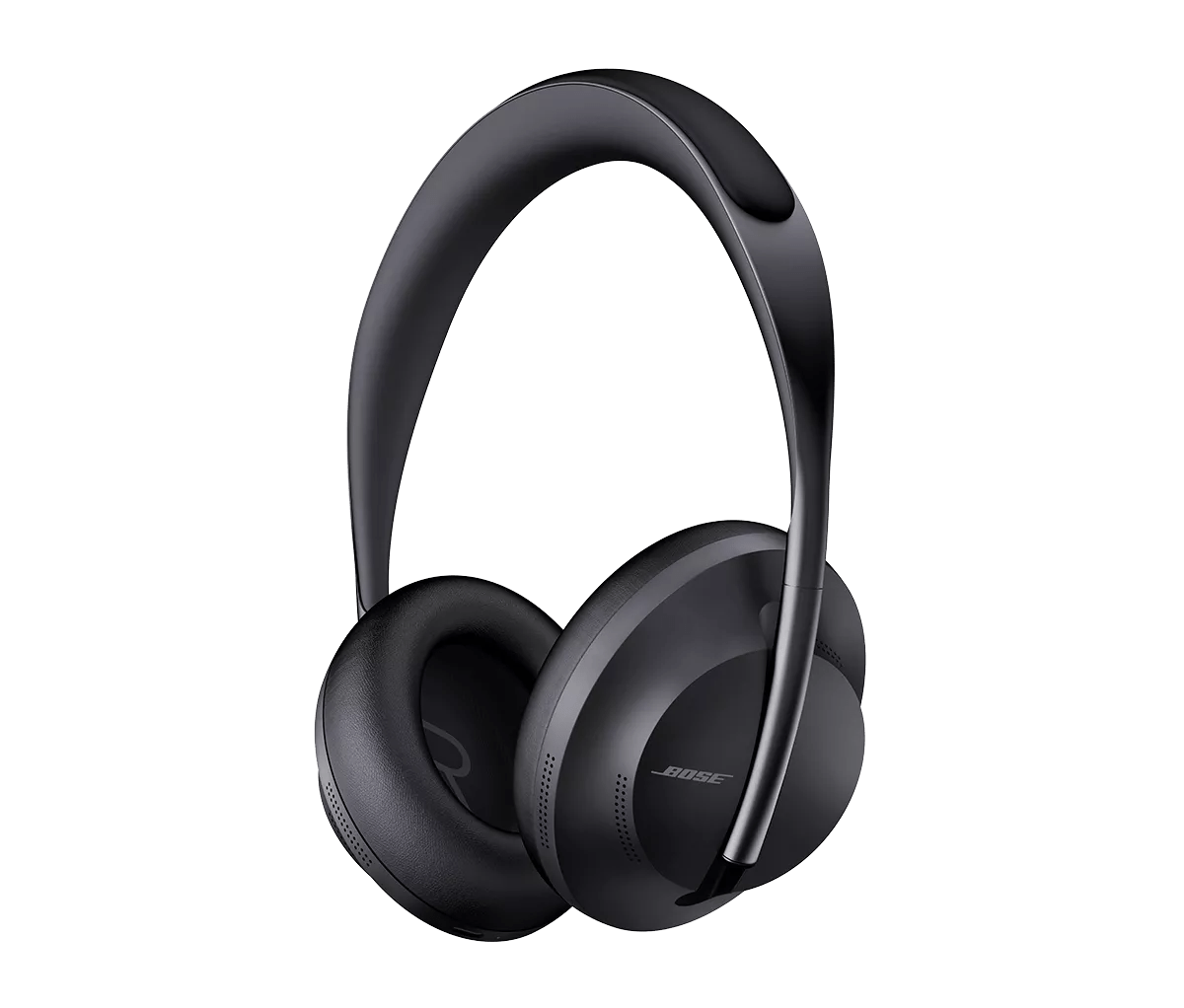
- Press and hold the power/Bluetooth button for 2 seconds. Release when you hear the shutdown voice prompt.
Bose QuietComfort Earbuds and Sport Earbuds
- Place both earbuds in the charging case and close the lid to power off. To manually power off, press and hold the touch or physical control on each bud for about 5 seconds, depending on the model.
Bose Frames and other wearable styles
- Press and hold the power button for 2–4 seconds. Look for the LED to turn off.
These steps reflect routine methods I use daily. Trying them once makes powering off feel natural and fast.

Troubleshooting: if your Bose headphones won’t turn off
If your device won’t power down, try these checks in this order. These fixes come from hands-on use and standard troubleshooting steps.
- Check for debris
Dirt can jam a slider or button. Clean gently with a dry brush and try again. - Force power-off
Hold the power button for 10–20 seconds. Many Bose units will force shut after a long press. - Remove battery (for older wired models)
If your model has a user-replaceable battery, remove it briefly to force power-off. - Reset the headset
Follow the model-specific reset steps in the manual. A reset can clear software glitches that block power-down. - Update firmware
Connect to the Bose app and install updates. Firmware fixes sometimes resolve shutdown bugs. - Contact support
If the headset still won’t turn off, reach out to official support for repair or replacement options.
Battery-saving habits and when to turn them off
Turning off your headphones properly extends battery life and keeps settings intact. Here are practical habits I follow.
- Turn off when not in use
Power off if you won’t use the headset for an hour or more. - Use airplane or low-power modes sparingly
Disable Bluetooth when you want to conserve energy but need them powered on for noise canceling. - Store earbuds in the case
Always return true wireless earbuds to the charging case. It protects them and keeps them off. - Update firmware regularly
Updates often improve battery management and shutdown behavior.
Personal tips and common mistakes to avoid
From my hands-on work with Bose gear, these tips save time and frustration.
- Don’t assume “sleep” equals off
Many models enter a low-power standby rather than full off. If you want zero drain, power off fully. - Avoid rough cleaning
Pressing hard or using liquids can harm switches. Use a soft brush or cloth. - Learn your model’s button feel
A long-press vs short press can do different things. Try pressing for 1–2 seconds first, then longer if nothing happens. - Keep the case charged
For earbuds, a low-case battery can prevent the case from fully charging or recognizing earbuds.
These small habits prevent lost charge and cut down on support calls.
PAA-style quick questions
What if my Bose headphones stay on even when sliding the switch?
- Try pressing and holding the power button for 10–20 seconds. If that fails, reset the device following the model’s reset steps.
Will earbuds turn off automatically when in the case?
- Most Bose true wireless earbuds power off when placed in the charged case and closed. Confirm with the LED or app status.
Can I leave Bose headphones on all the time?
- Leaving them on drains battery and can reduce battery health over time. Turn them off when not in use for longer than an hour.
Do software updates affect power-off behavior?
- Yes. Firmware updates can fix bugs that stop proper shutdown and improve battery handling.
Is there a hardware reset if power-off fails?
- Many models have a reset sequence you can find in the manual or the Bose app. Use that before seeking repairs.
Frequently Asked Questions of how to turn off bose headphones
How do I turn off Bose QC35 headphones?
Slide the power switch to the Off position. Wait for the tone and LED to go out before storing them.
How do I power off Bose Headphones 700?
Press and hold the power/Bluetooth button for about 2 seconds until you hear the shutdown voice prompt.
How do I turn off Bose earbuds?
Place both earbuds in their charging case and close the lid. Some models also allow a long-press on each earbud to power off manually.
My headphones won’t turn off. What next?
Hold the power button for 10–20 seconds to force a shutdown. If that fails, reset the device and update firmware via the app.
Do Bose headphones turn off automatically?
Some models enter sleep mode automatically. True off typically requires the switch, button, or placing earbuds in the case.
Will a factory reset fix power-off issues?
A reset can fix software problems that prevent shutting down. Use it only after trying the long-press and cleaning switches.
Can I turn off Bose while connected via Bluetooth?
Yes. Turning off the headset will end Bluetooth connections and free the device on your phone or computer.
Conclusion
You now have clear, tested steps for how to turn off bose headphones across popular models, plus practical fixes and battery tips. Try the quick method for your model first. If you run into a problem, use the troubleshooting steps or reset before seeking service. Put these tips into action the next time you pack up or want to save battery, and leave a comment below with your model if you want model-specific help or a short walkthrough.