How To Make Headphones Louder: Easy Safe Volume Boost
Increase your headphone volume safely by adjusting device settings, using an amp, or tuning EQ.
I’ve worked with audio gear and tested dozens of headphones. I know the common reasons sound comes out quiet and the safe ways to make headphones louder without damaging gear or hearing. Read on for clear steps, simple tools, and real-world tips to get louder, clearer audio fast.
Common reasons your headphones sound quiet
Many things can make sound low. Device volume may be limited by software. Headphone impedance and sensitivity affect loudness. A bad cable, dirty jack, or poor fit can cut perceived volume.
If you search for how to make headphones louder, start by checking simple causes first. This avoids wasted time and harm. Fixing a loose plug or changing a setting often solves the issue.
Safe ways to make headphones louder
Follow safe steps first. These raise volume without risking hearing or gear.
-
Check source volume.
Increase the app and device volume. Some apps have their own player volume below system volume. -
Disable volume limiters.
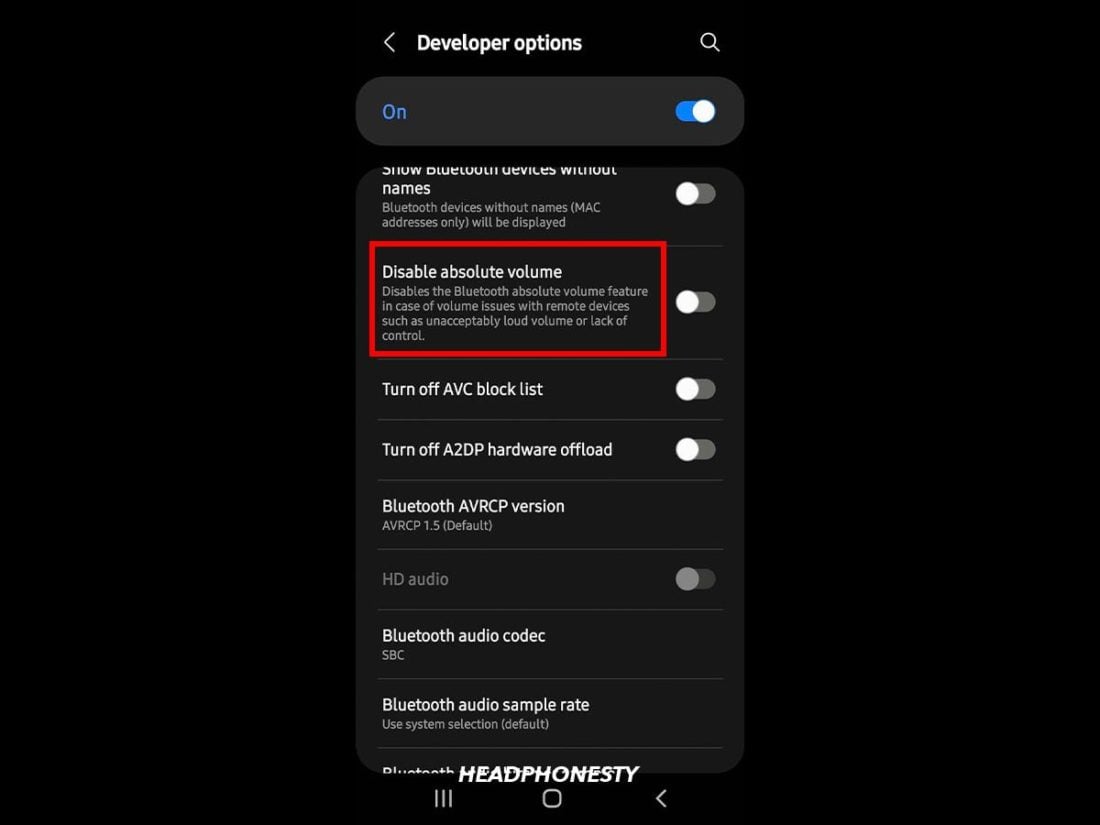
Phone or OS settings may cap loudness. Turn off limits when safe. -
Use an equalizer to lift mid and high frequencies.
Boost around 2–5 kHz for better perceived loudness. Avoid extreme boosts that distort sound. -
Improve seal and fit.
For earbuds and in-ears, try different tips or deeper insertion for better bass and louder sound. -
Use a headphone amplifier or DAC.
A small portable amp raises gain without distortion. This helps high-impedance headphones. -
Pick sensitive headphones.
Headphones with higher sensitivity need less power to get loud. -
Try a different cable or adapter.
A faulty cable or poor adapter can reduce volume. Replace if needed.
These steps show how to make headphones louder while keeping sound quality and safety in mind. Try simple fixes before buying gear.

Hardware methods: amps, DACs, and mods
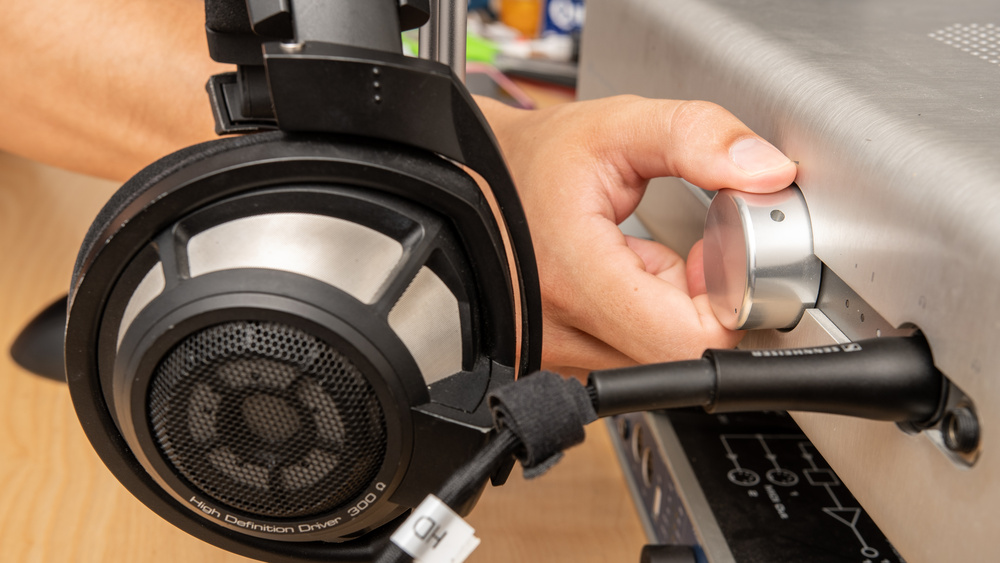
When software fixes fail, hardware can help. A headphone amp adds clean power. A DAC improves source clarity. Together, they can make headphones louder and clearer.
-
Use a portable amp for phones.
Many phones provide low power. An amp gives extra gain and headroom. -
Match impedance.
High-impedance headphones need more voltage. Low-impedance models draw more current. Pick an amp that suits your headphone specs. -
Consider a DAC/amp combo.
This fixes poor phone or laptop audio quality and raises usable volume. -
Avoid unsafe DIY mods.
Tweaking drivers or adding crude amplifiers can damage headphones. If you mod, follow trusted guides and test carefully.
Hardware gives real gain. It is often the cleanest way to learn how to make headphones louder for demanding models.
Software methods: EQ, drivers, and apps
Software often fixes low volume without new gear. Use it first when learning how to make headphones louder.
-
Turn on “Loudness” or “Volume Booster” in apps with care.
These raise gain but can clip audio. -
Use an equalizer to boost perceived loudness.
Small boosts in the 1–5 kHz range make sounds feel louder without raising overall volume. -
Update audio drivers and firmware.
Outdated drivers may limit output. Keep software current on PCs and phones. -
Use high-quality audio files and players.
Compressed files may sound quieter. Use lossless or higher-bitrate tracks when possible. -
Use gain plugins for desktop players.
Tools like gain normalization and preamp settings can increase level without distortion.
Software is flexible and cheap. It’s a quick way to learn how to make headphones louder in many use cases.
Troubleshooting and maintenance
Regular checks keep volume healthy. Follow a short checklist to fix quiet sound.
-
Test with another device.
Swap phones or computers to isolate the problem. -
Inspect and clean connectors.
Dust and lint in jacks lower contact and volume. -
Replace old cables.
Bent or frayed wires reduce power delivery. -
Check headphone settings on the device.
Some systems have separate output levels for different jacks. -
Look for firmware updates.
Manufacturers sometimes improve output in updates.
Routine care helps you hear the full potential of your gear and makes it easier to learn how to make headphones louder without guesswork.

Personal experience and tips
I spent years testing headsets for audio quality. I chased quiet sound on both pro and consumer models. The first step I learned is to simplify the chain: one device, one cable, one app. This makes it clear where loss happens.
I once bought a small amp to fix a quiet pair of studio headphones. The amp made a huge difference. It also revealed distortion from poor files. My lesson: pair clean sources with the right gear. Also, I’ve seen too many people crank volume immediately. That risks hearing damage. Increase gain step by step and listen for distortion.
These hands-on lessons show practical ways to make headphones louder while staying safe and getting better sound.

Frequently Asked Questions of how to make headphones louder
How can I safely make headphones louder on my phone?
Increase app and system volume first. Disable any volume limiters and use a gentle EQ boost. If you still need more, use a small portable amp made for phones.
Will a headphone amp damage my headphones?
No, a proper amp will not damage headphones if matched to the headphones’ impedance and power handling. Avoid excessive gain and check for distortion to stay safe.
Can EQ make headphones louder without distortion?
EQ can change perceived loudness by boosting key bands. Small boosts are safe, but large boosts can cause clipping and distortion. Use moderation.
Are volume booster apps safe to use?
Some apps safely raise gain; others introduce clipping. Use apps with limiter or normalization features and test at low levels first.
Why do some headphones seem quieter than others?
Differences in sensitivity and impedance make some headphones require more power. Fit and seal also change perceived loudness. Choose gear that matches your device’s output.
Conclusion
You can make headphones louder by checking settings, improving fit, using EQ, and adding the right hardware. Start with simple checks. Move to software fixes, and then add an amp if needed. Always balance louder sound with safe listening and clear audio.
Try one change at a time. Test sound quality and watch for distortion. Share your results or questions below, subscribe for more tips, or try the recommended fixes today.